Why Empti exists

I built Empti after years of editing YouTube videos off an SSD in my bag. Now my whole library sits in Finder and there’s nothing to carry.
That is the whole idea. Empti is a drive on your Mac that holds your library in the cloud and shows all of it in Finder. Your apps open files from it as they would from any disk, and Empti fetches only the parts they read. The library stays in one place, and nothing has to come with you.
What Empti does
- Your library in Finder. Terabytes of files show up on one drive, called Empti, in the Finder sidebar. They use almost no space on your Mac.
- Files open in place. When an app opens a file, Empti streams just the parts it reads. A 52 GB video starts like a small clip, and there is no import step.
- Encrypted with your key. Files are encrypted on your Mac before they leave it, with a random key that your passphrase locks. We can’t read them.
- The same drive on each of your Macs. Sign in on another Mac and the library is there.
- Share links and teams. Send a link that opens in any browser, or share drives with a team.
- Scripts and agents. The
empticommand reads and writes the drive without mounting it, on a Mac or a Linux server, so a script or an AI agent can use it too. You can give an agent’s computer a single folder instead of the whole drive.
The homepage shows each of these working.
How it’s built
Empti is a native Mac app written in Swift, with a small service behind it.
The drive
The drive is a file system extension built on Apple’s FSKit, so Finder and every app see a normal disk at /Volumes/Empti. When an app reads part of a file, the drive fetches just that part, decrypts it and hands it over. Recently opened parts are kept on the Mac up to a limit you choose in Settings. Files you mark Keep on this Mac stay there; Free up space sends them back to the cloud.
When you copy a file in, Empti encrypts it and uploads it in parts, and an upload picks up where it left off if Empti quits midway. Once the upload is done, the local copy is removed.
Encryption
Every file is split into 4 MiB chunks, and each chunk is sealed with AES-256-GCM on your Mac. Each file has its own key, derived from a master key. The master key is only ever stored locked with your passphrase, which is how your other Macs open the drive, and a recovery key you save at setup can unlock it too. A chunk that has been changed fails to open on its own, without taking the rest of the file with it.
Share links work the same way: the key sits in the part of the link after #, which browsers never send to a server, and the file is decrypted in the recipient’s browser. Security explains all of this in detail.
Storage and service
Encrypted chunks are stored on Cloudflare R2. A small service on Cloudflare Workers handles accounts, storage limits, teams, share links and billing, which runs through Stripe. It handles encrypted data and the account details it needs, never your passphrase or an unlocked key. Privacy lists what it stores.
Where Empti is now
Empti is launching for Macs with Apple silicon running macOS 26 or later, with two plans, Individual and Teams. Your first plan starts with a 14-day trial with 100 GB. Prices are in the pricing section of the homepage, and the changelog lists what has shipped.
Press kit
Logos, screenshots, a photo of the founder and the facts, free to use when writing about Empti. Please follow the usage notes.
Description
One lineEmpti is the weightless drive for your whole library: terabytes in Finder that take no space on your Mac, encrypted with a key only you hold.
Empti is a Mac drive that keeps your file library in the cloud and shows all of it in Finder, using almost no space on your Mac. Files are encrypted on the Mac with a key only you hold. When an app opens one, Empti streams just the parts it reads.
Key facts
| Name | Empti (capital E in text; the logo is lower case) |
| What it is | A drive for the Mac that keeps your files in end-to-end encrypted cloud storage, shows them in Finder and streams only the parts an app reads. |
| Platform | The Mac app needs macOS 26 or later on Apple silicon. The empti command, for scripts, servers and agents, runs on macOS 14 or later and on Linux. |
| Availability | Launching with Individual and Teams plans. New customers start with a 14-day trial with 100 GB. |
| Pricing | Individual: US$15 a month or US$150 a year, with 1 TB and 3 drives. More storage is US$10 a month for each 500 GB. Teams: US$25 a person a month or US$240 a person a year, with 1 TB per person shared across the team, from 2 people. |
| Encryption | AES-256-GCM on the Mac, in 4 MiB chunks, with a random key that the user’s passphrase locks |
| Storage | Cloudflare R2 |
| Founder | Dylan Tazawa-Lim |
| Company | Dylan Tazawa-Lim, trading as Empti, Australia |
| Founded | 2026 |
| Website | getempti.com |
Logos
The lockup is the bracket mark with the wordmark. Use the dark version on light backgrounds and the light version on dark ones. SVG files scale to any size; PNGs have transparent backgrounds.









[ ], for small spaces and avatars


[ ], for small spaces and avatars

App icon


Colours
#050911#D4DCEC#3B5BFFScreenshots
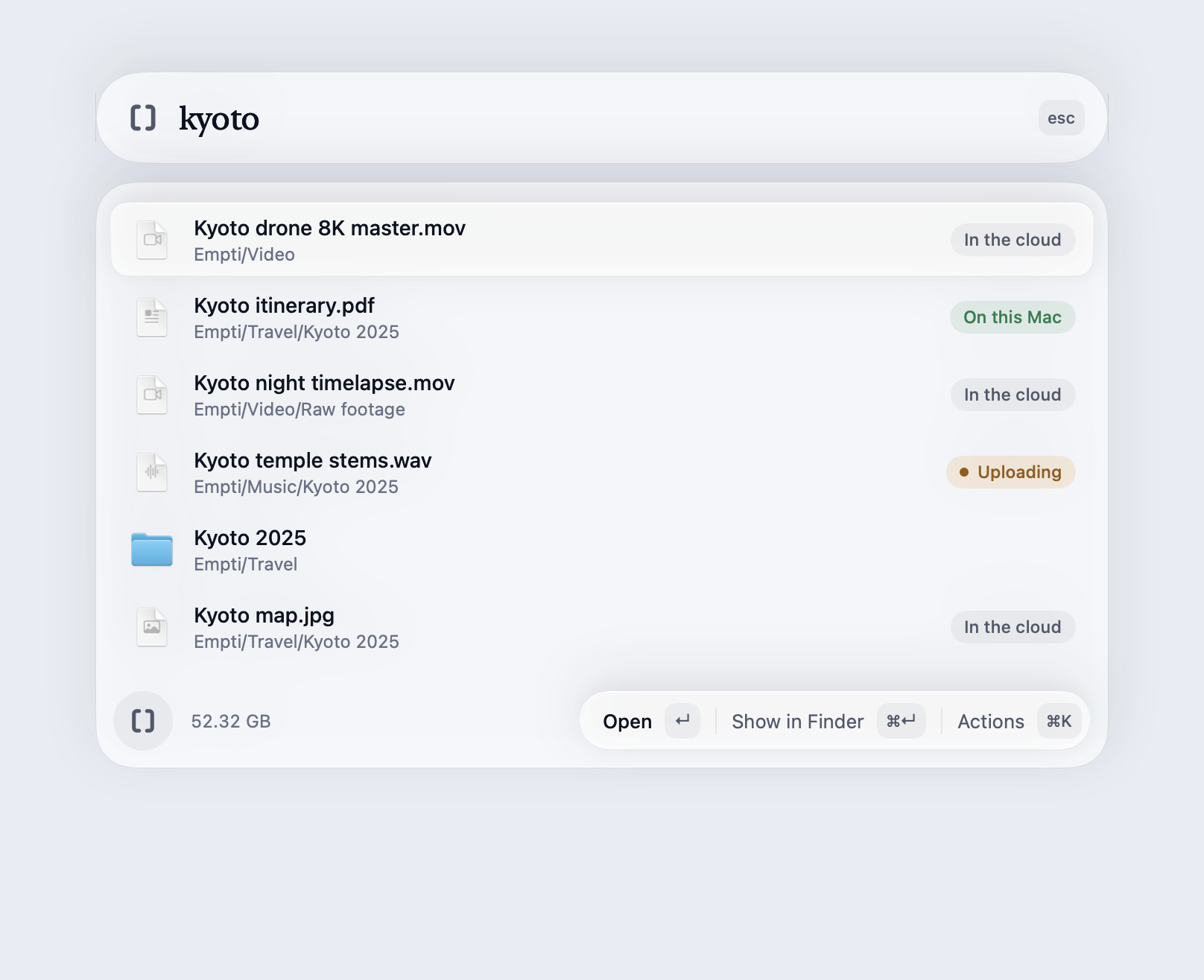
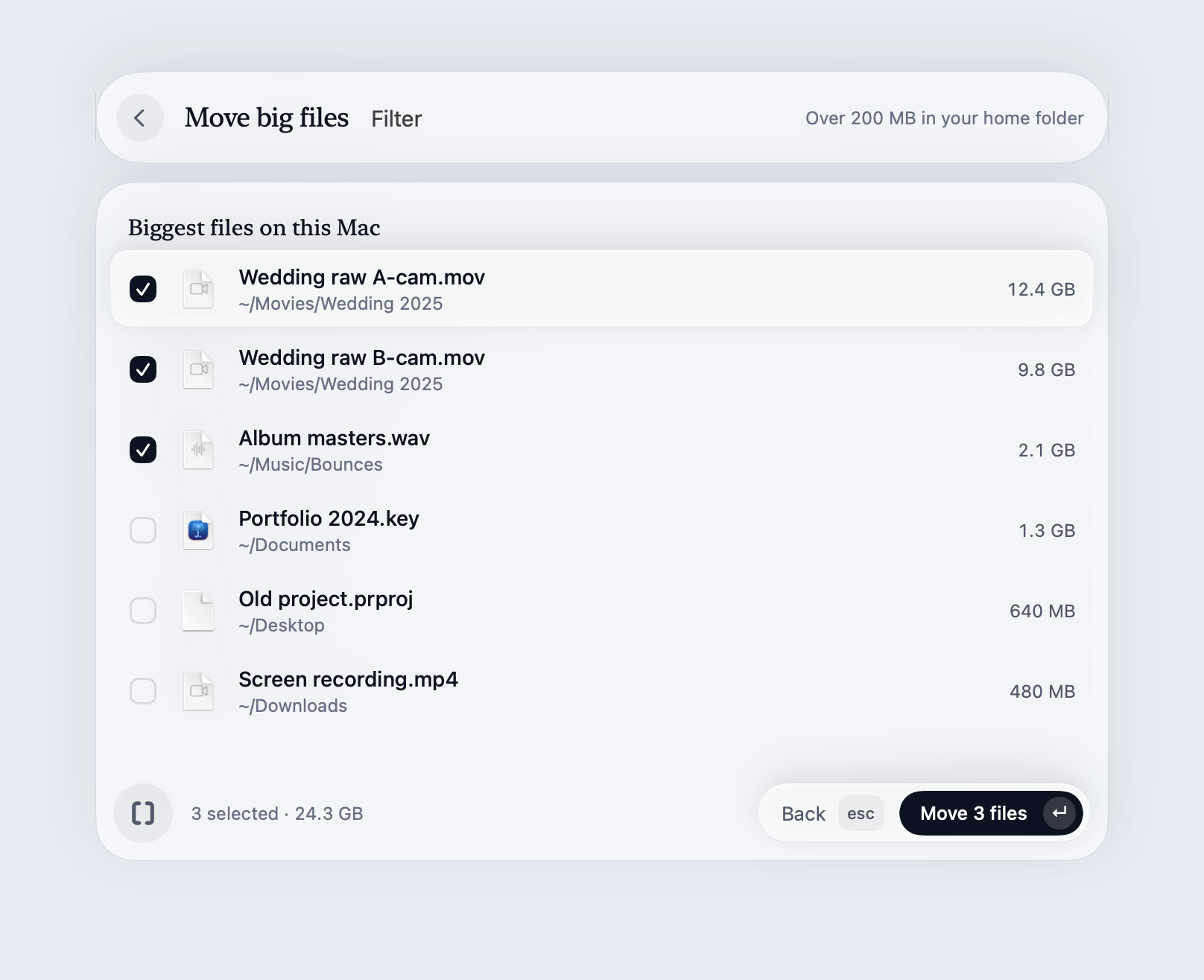
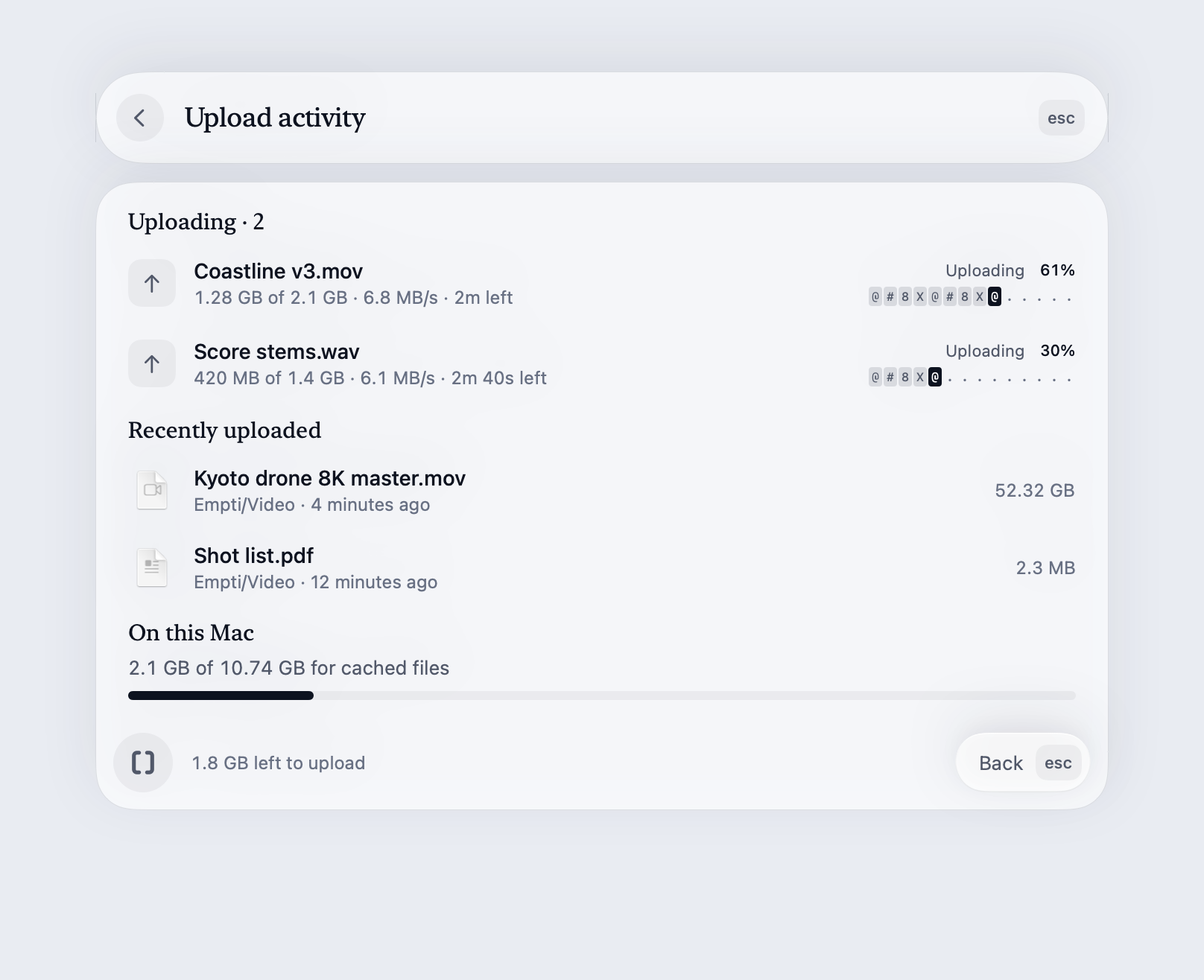
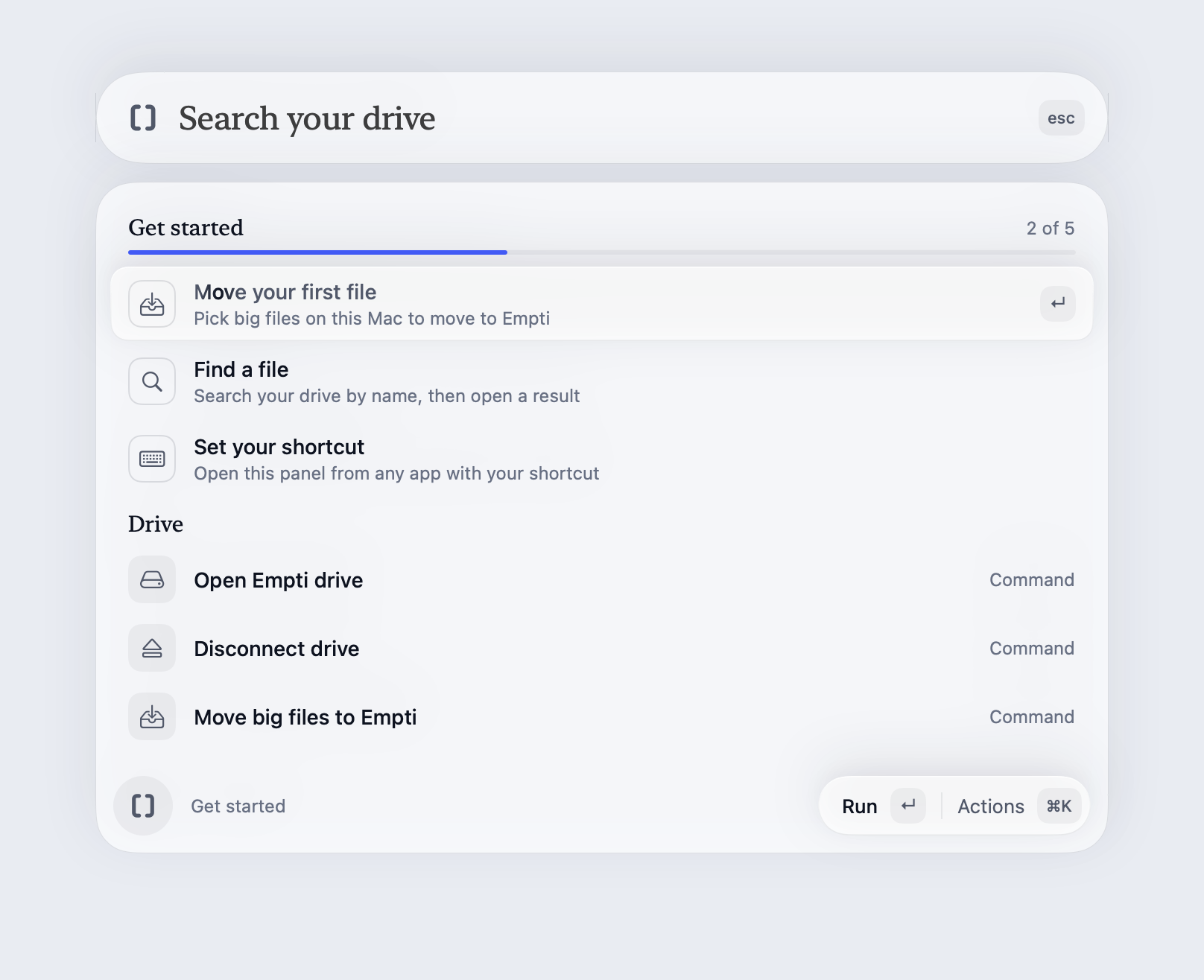
Rendered from the app in light mode, at 2×. The panel opens with ⌥ Space from any app.
Founder photo
Usage notes
- Use the files as they are. Don’t recolour, stretch, squash, rotate or outline the mark or the lockup, and don’t add shadows, gradients or other effects.
- Use the dark version on light backgrounds and the light version on dark ones. The blue dot over the i is the only colour; keep it, and don’t colour the brackets.
- Don’t put anything inside the brackets, close the gap between them or swap them for parentheses or braces.
- Leave clear space around the logo: at least the height of the lower-case letters around the lockup, and about a fifth of the mark’s width around the mark on its own.
- Keep the lockup at least 128 px wide. Below that, use the mark on its own, down to 16 px.
- Crop the screenshots if you need to, but please don’t change what they show.
- In text, write the name as Empti.
Press contact
For interviews or anything not here, write to [email protected].